
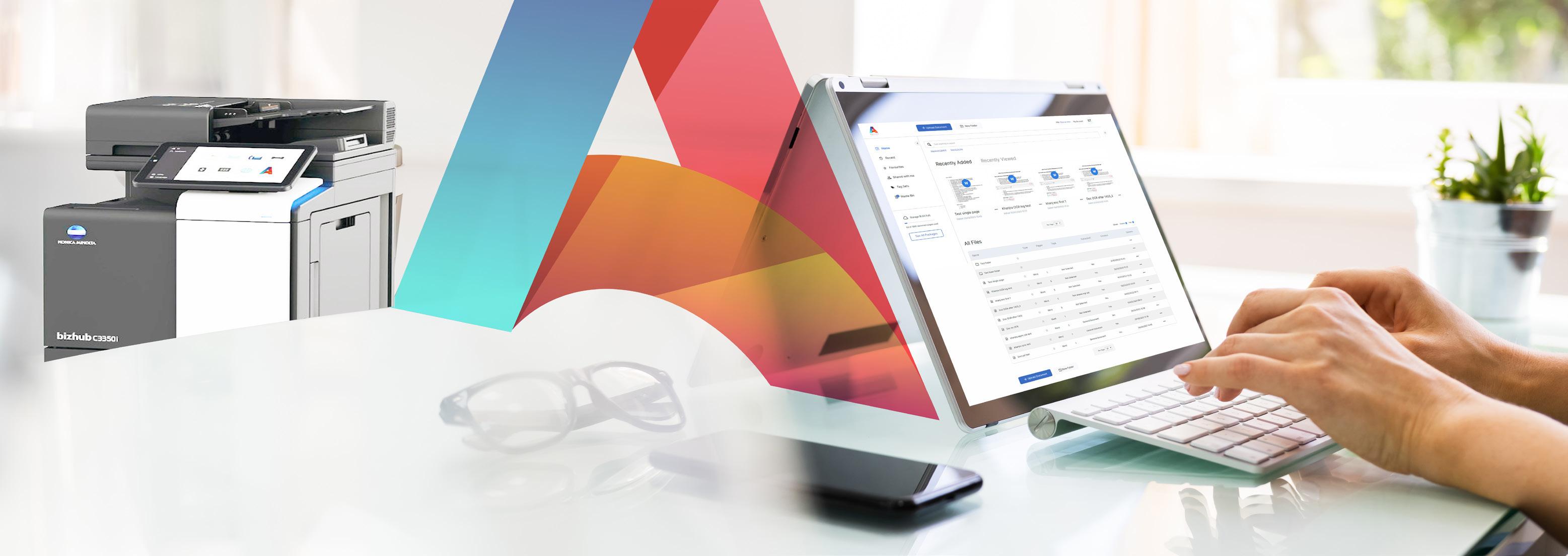
You remember the supplier. You remember what the invoice was for. What you cannot remember is the filename somebody gave it when they scanned it. The useful question is not just where the file was saved. It is whether you can search for the details inside it.
With Agility, optical character recognition — OCR — makes the content of scanned documents searchable. That gives you another route to a record when its filename is unhelpful. The quality and legibility of the scan still matter. Here is a practical way to approach the problem, from the first search to a better process for your team.
Start with the detail you actually remember
Before opening folder after folder, write down the most distinctive detail you can recall. It might be a supplier name, a reference printed on the page or a phrase from an agreement. Choose something likely to appear in the document itself.
- A supplier or organisation name as it appears on the page.
- An invoice, order or delivery reference you have elsewhere.
- An unusual phrase in a contract or maintenance agreement.
- A combination of known details to help you recognise the correct result.
For example, imagine you need a scanned maintenance agreement but do not know its saved name. The words ‘annual maintenance’ may be a useful starting point if they appear in the agreement. This is an illustrative search example, not a claim about a particular customer's files.
Check whether you are searching filenames or document contents
A folder full of scans can still be difficult to use if the only detail you can search is the name of each file. Looking at the page and recognising the words yourself is different from having those words available to a search tool.
Agility's OCR and in-content search are designed for this everyday retrieval task. Use the information on the scanned page to look for the document, then open the result and check that it is the record you need. Do not assume that a matching word proves you have the correct invoice or version.
Keep the product distinction clear
Agility Vault is intended for longer-term records and archives and does not include OCR or in-content search. If finding files from words inside scanned pages is central to the way your team works, discuss Agility when you arrange a demonstration.
If a search fails, inspect the original scan
A failed search does not always mean the document is absent. Check the record's location and your access, then inspect the scan if you can find it another way. OCR results depend on the original being clear enough to read.
- Check that the relevant page is present and the words you want are actually on it.
- Look for faint print, cropped edges, skewed pages or other details that make the scan hard to read.
- Try a different distinctive word or reference that is clearly visible.
- Ask the appropriate colleague to check the document's location or your access if you still cannot find it.
If the scan needs replacing, follow your organisation's process for preserving the correct record. Ask the Agility team to check your capture workflow and device compatibility rather than assuming that every scanner or setting behaves the same way.
Make the next search easier for someone else
Content search is useful, but it should sit alongside a filing approach your colleagues understand. Agree a sensible place for each type of record, a naming convention that helps people recognise it and who should be able to access it.
A descriptive filename might include a date, document type and reference. Choose a convention that fits your work, and avoid putting sensitive details in filenames visible to people who do not need them. The objective is recognition and consistency, not the longest possible filename.
Try a colleague retrieval check
Choose a document your team is allowed to share. Ask a colleague to find it using only the information they would normally have. Notice where they become stuck: the document's location, an unclear name, its contents or access permissions. Those are different problems, and the exercise helps you choose the right improvement.
What to bring to an Agility demonstration
Pick a typical document task: finding an invoice, retrieving an agreement or sharing a record with a colleague. Explain what you usually remember about the document and where the search becomes awkward. Use an approved sample with confidential information removed if you want to discuss an example.
The team can then show how Agility's capture, OCR search and access-controlled sharing relate to that task. You can also discuss which records are used every day and which belong in a longer-term archive.